 Facilitator Tools
Sharing a session
| TL;DR Share the participant link (Copy Participant Link, format /join/ |
|---|
There are several ways to get participants into a live session. From the Designer’s top bar or the session’s Dashboard card:
Participant link — Copy Participant Link copies the join URL (in the form .../join/
). Participants open it on any device. QR Code — display or download a QR code participants scan; ideal for in-room audiences and slides.
Embed — copy an iframe to embed the live content in a web page or slide.
Link to Meeting — connect the session to a Zoom meeting (see the integration section).
Click Go Live so the session accepts responses.
Share the link, QR code or embed with your audience.
If Require Participant Identification is on, participants enter their name first; then they see the live activity and a Submit Response button.
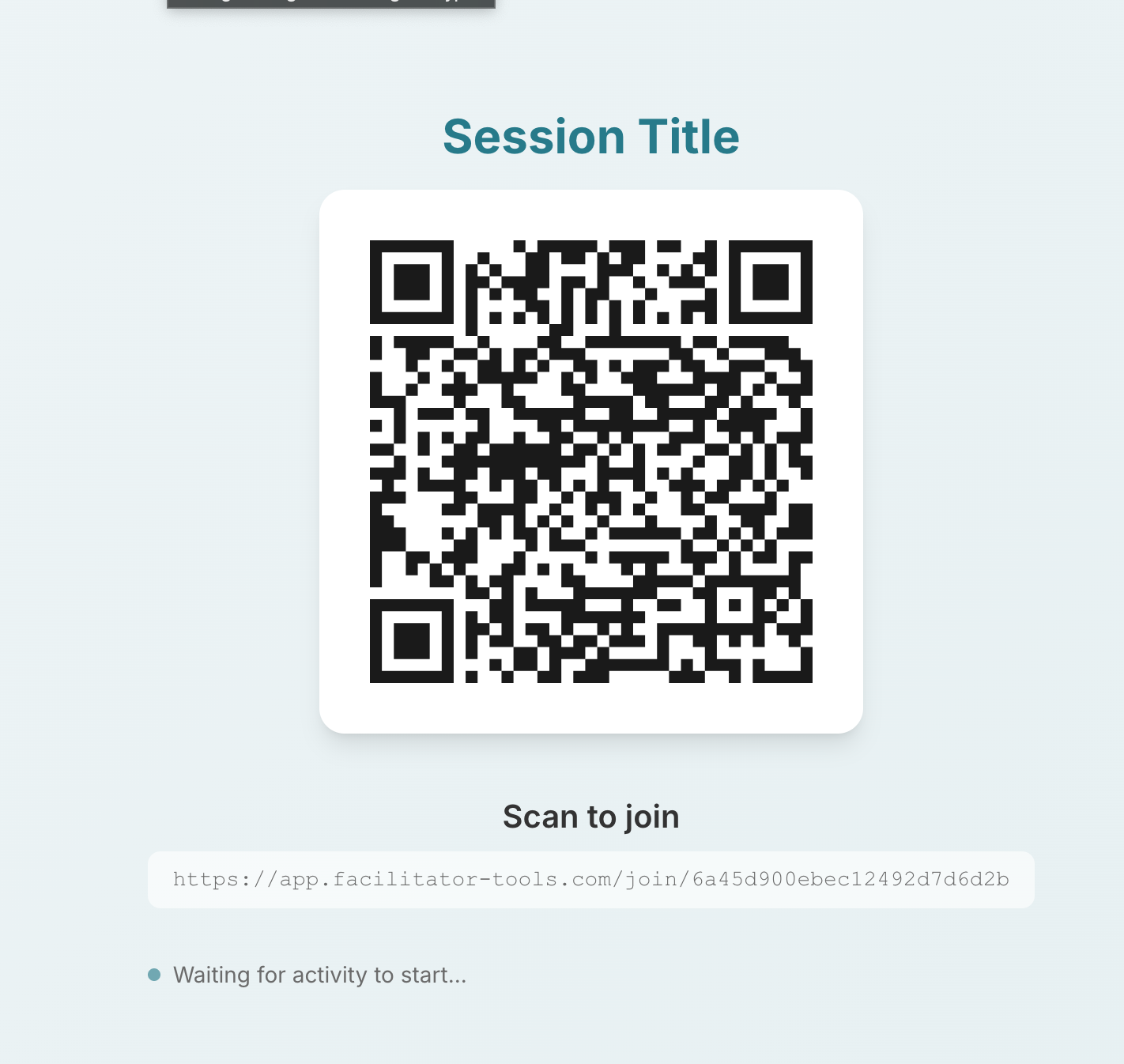
Participant link and QR code options for a session
| Ask the assistant • How do I share my session with participants? • Where is the QR code? • What is the participant link format? • Do I need to go live before sharing? • Can participants join from their phones? |
|---|