 Facilitator Tools
Managing surveys
Each survey in “Your Surveys” shows its status (Draft / Active / Completed), number of questions, number of responses, creation date and an access Code participants use to take it. Per-survey actions are Results, Export, Edit and Delete Survey.
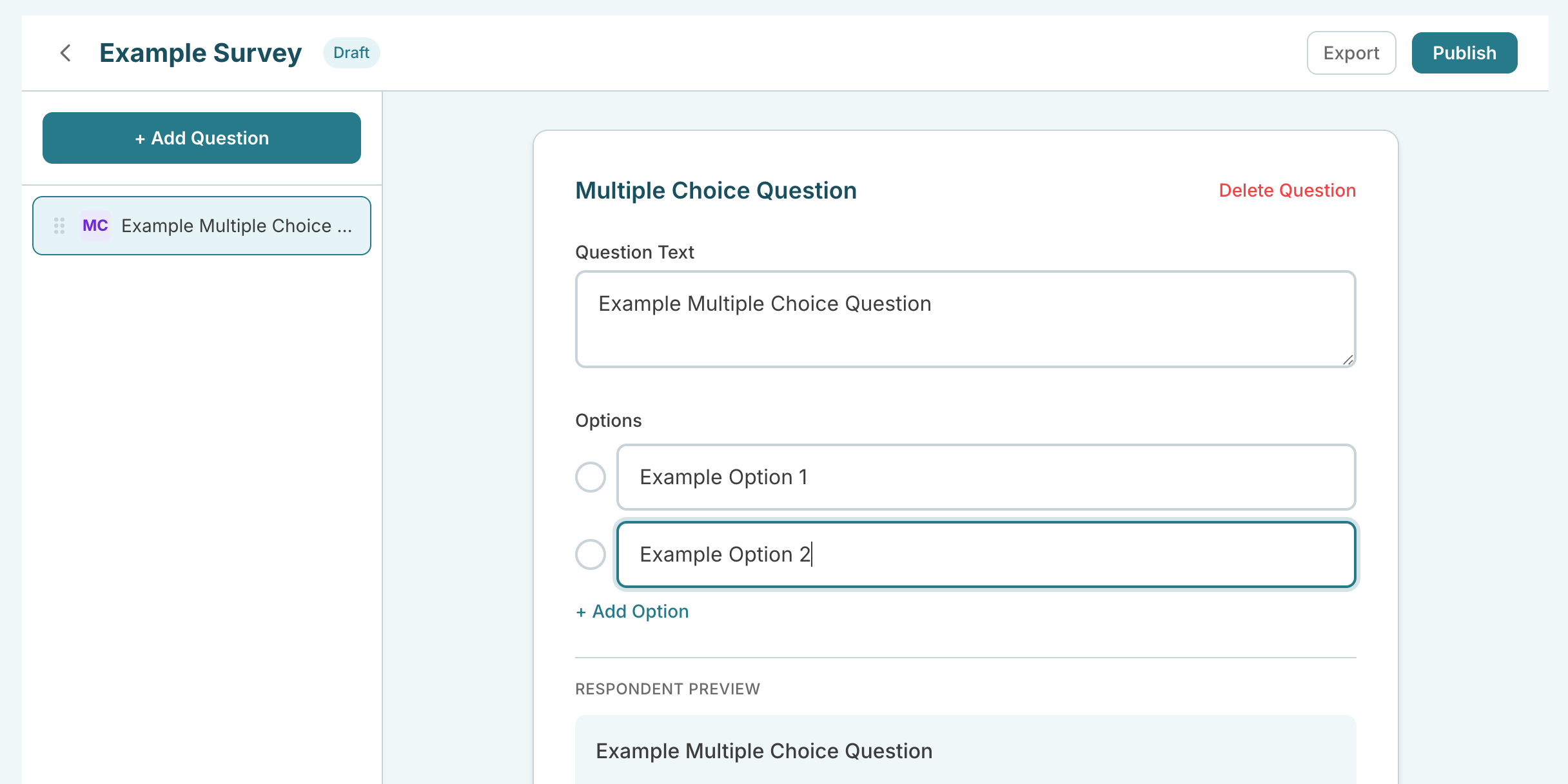
Surveys page with the create box and a survey card showing its code and actions
Surveys are separate from sessions but their results can be imported into a session, which is handy for pre-work or follow-up questionnaires.
| Ask the assistant • How do I create a survey? • What is the survey code for? • How do I export survey results? • What is the difference between a survey and a session? • Is the survey feature free? |
|---|