 Facilitator Tools
Display page
| TL;DR The display page (Open Display Page / Open display) is the big-screen view for the room. It shows the current live activity, live results and the AI summary, with Prev / Idle / Next controls to move through the session. |
|---|
The display page is what you put on the shared screen or projector. Open it with Open Display Page in the Designer, or Open display on the Dashboard card (URL form .../display/
Shows the currently live activity — its question, instructions and live results as responses arrive.
For open questions it can show the AI summary (sentiment, key themes, outliers) with a Refresh Summary button.
Controls at the bottom — Prev, Idle and Next — let you move between activities, with Idle as a neutral holding screen.
Shows your branding and logo when those are enabled for the session.
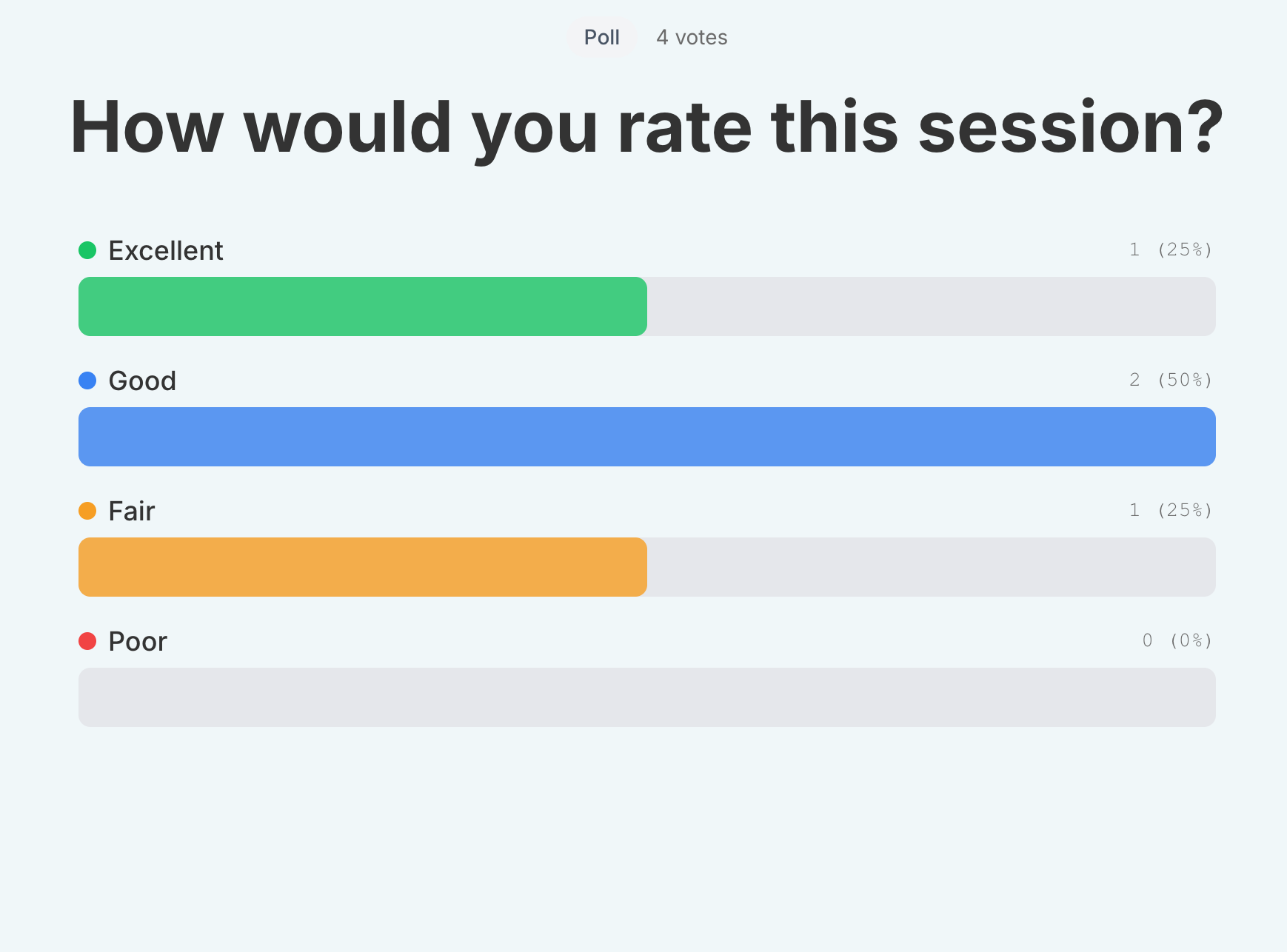
Display page showing a live activity with the response feed and Prev / Idle / Next controls
Tip: open the display page on the projector and keep the Designer on your own laptop to drive the session.
| Ask the assistant • How do I open the display page? • What is shown on the big screen? • How do I move to the next activity on the display? • What is the Idle screen? |
|---|