 Facilitator Tools
Activating individual activities
Within a running session, only one activity is shown to participants at a time. Each item has an Activate button (it becomes LIVE) or Deactivate (back to INACTIVE). On the display page you can also move between activities with Prev / Next, with an Idle holding screen in between.
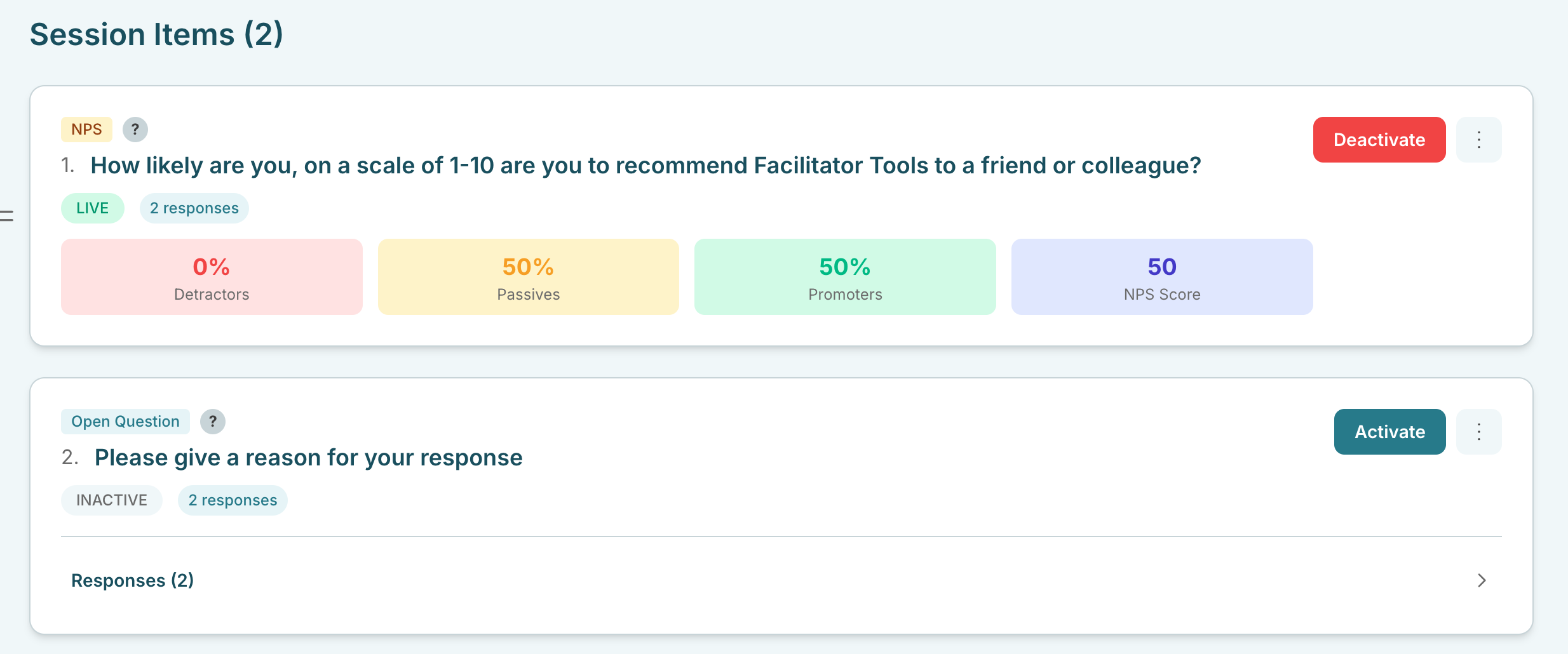
Session Items list showing an INACTIVE activity with Activate and a LIVE activity with Deactivate