 Facilitator Tools
Go Live
Click Go Live to open the session so participants who have the link or QR code can join and respond.
A quick pre-flight check runs first (connectivity, session completeness, display and join pages). Fix any failures before proceeding; warnings still let you continue.
Two windows then open automatically: the Facilitate view (your private control panel) in a new tab, and the audience display in its own clean window sized to your screen.
The display window shows a “Click anywhere for fullscreen” prompt — one click puts it into true fullscreen (no browser bars), ideal on a projector or shared screen. Press Esc to exit fullscreen at any time.
If a window doesn't appear, check your browser's popup blocker and allow popups for this site.
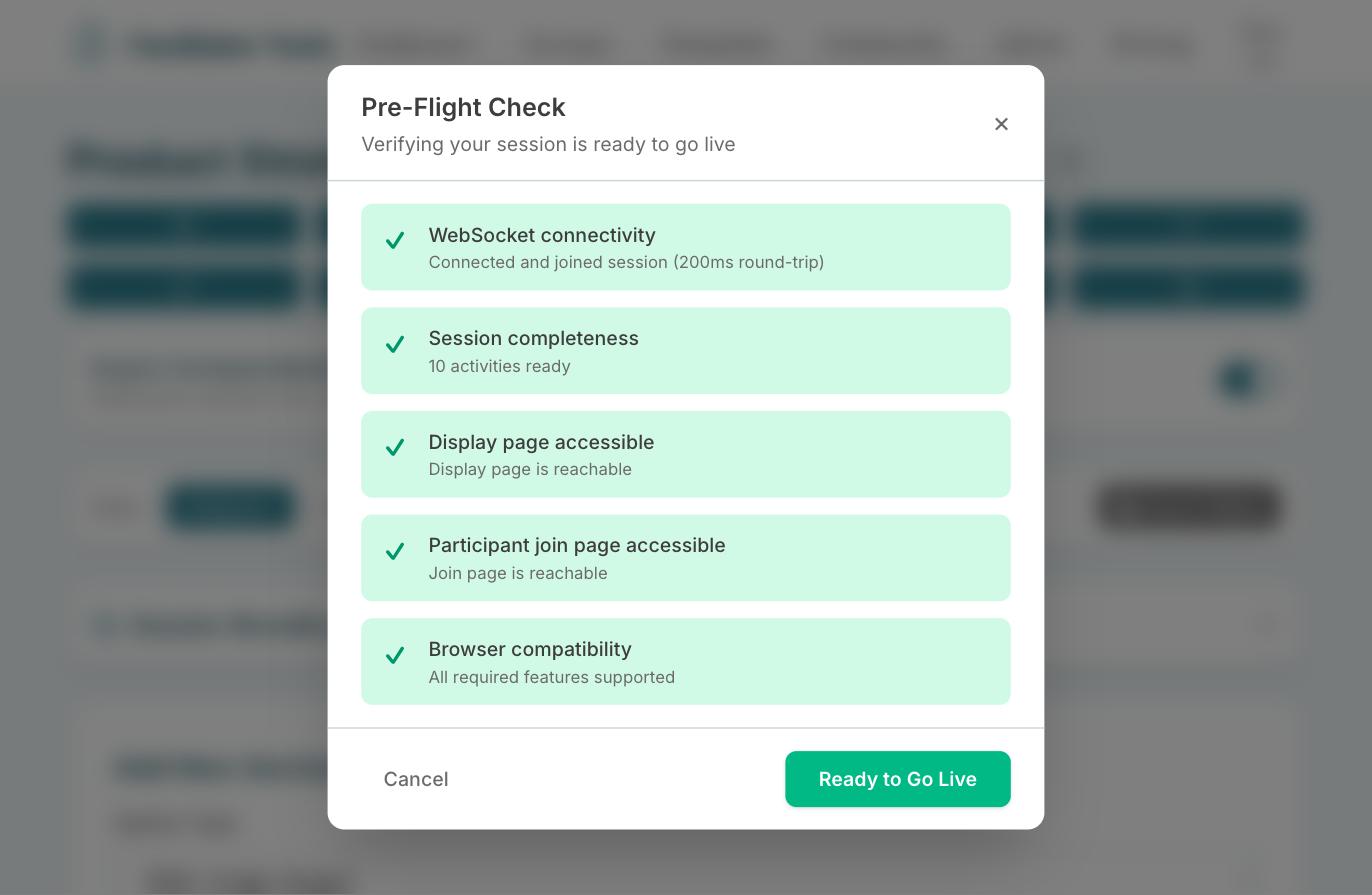
The pre-flight check that runs when you click Go Live