 Facilitator Tools
Option B — PowerPoint Add-in (present from PowerPoint)
In the Designer’s top bar, open More and click Connect to PowerPoint.
A one-time pairing code is shown (it is single-use and expires).
Open the Facilitator Tools add-in in PowerPoint and enter the pairing code to connect it to this session.
Run your deck from PowerPoint with live activities connected.
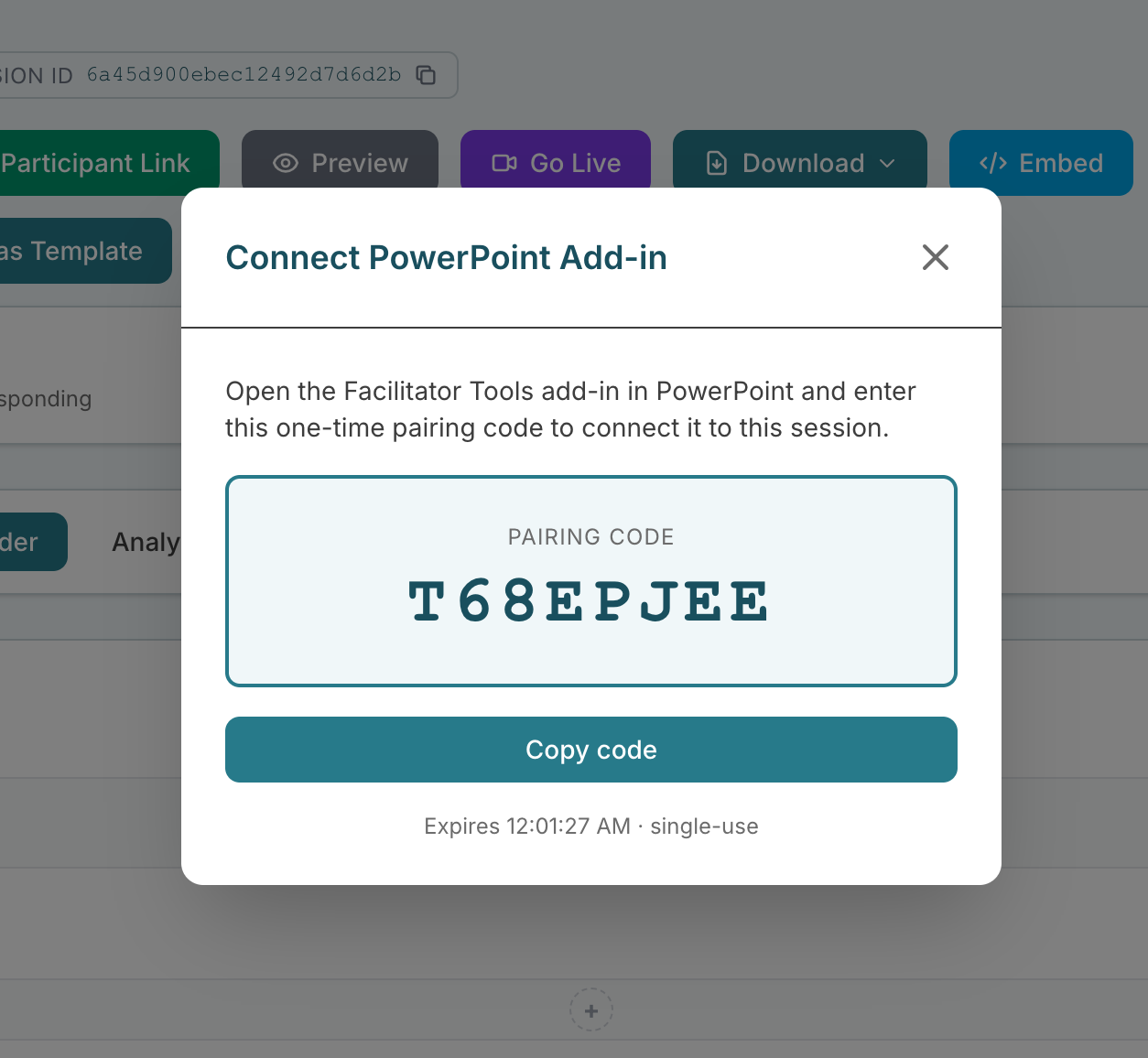
PowerPoint Add-in dialog showing the pairing code
Presenting in Microsoft Teams
The add-in follows the slideshow running in PowerPoint on your computer. When you share a deck with PowerPoint Live in Teams, the deck is uploaded and shown from the cloud, so PowerPoint on your computer is no longer driving it and the add-in cannot follow your slides. Two ways to keep live activities in a Teams meeting:
Share your PowerPoint window instead. In Teams choose Share → Window (or Screen), start the slideshow in PowerPoint, and the add-in activates activities as you reach linked slides.
Use the presenter remote on your phone. Keep PowerPoint Live for the slides and open More → Presenter remote from the Session Designer (or the link in the Connect to PowerPoint dialog). It lists your activities with Previous, Next and tap-to-activate, so you go live from your phone while Teams shows the deck.
The same applies to Google Slides, Keynote, or a deck presented from someone else's laptop.