 Facilitator Tools
AI integration
| TL;DR Open-text activities can generate an AI Theme Summary: a short summary, overall sentiment, key themes and outlier perspectives. Use AI Summary on an activity (or Refresh/Regenerate). AI usage is limited on free and lower plans. |
|---|
For open-response activities, Facilitator Tools can summarize what participants said using AI.
On an open-text activity in the Designer (or on the display page), click AI Summary / AI Theme Summary.
The tool produces a one-paragraph summary, an overall sentiment label (for example “Mostly Positive”), a list of Key Themes, and Outlier Perspectives that fall outside the main themes.
Use Regenerate (or Refresh Summary on the display) to rebuild it as more responses arrive.
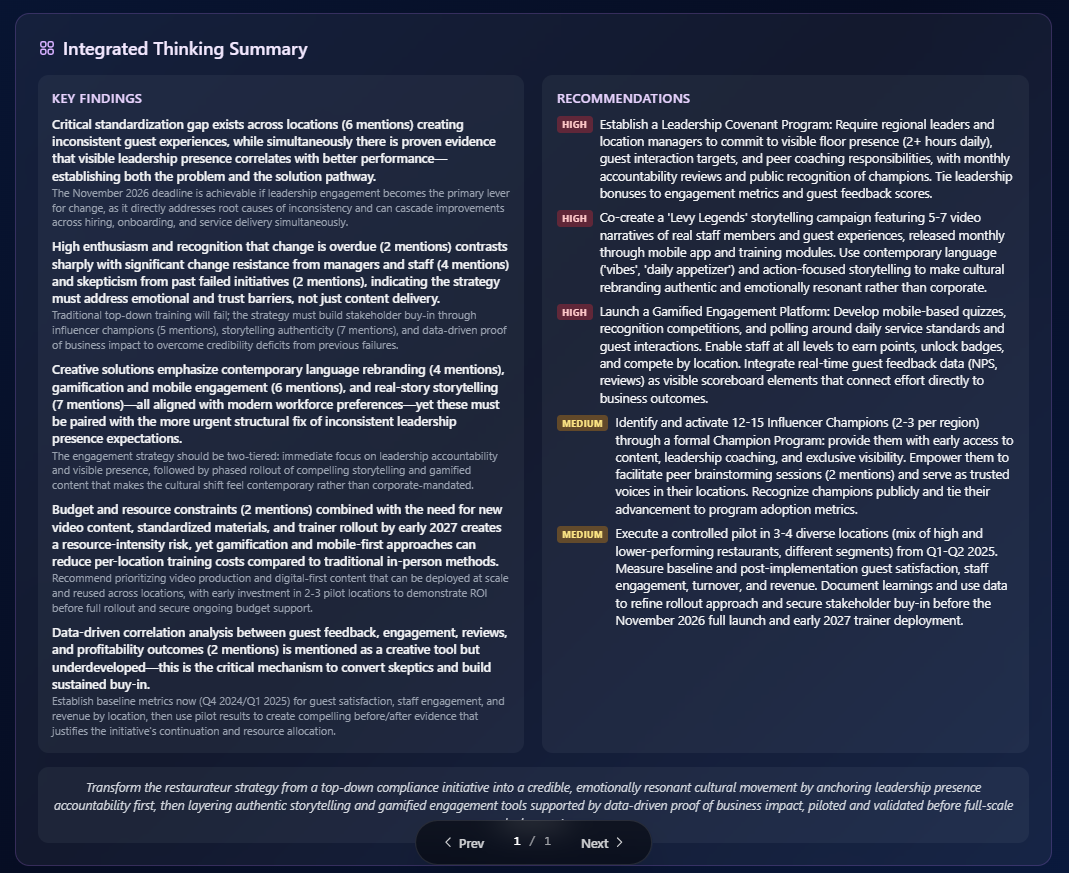
AI summaries are metered by plan: the free plan includes a small weekly allowance, Pro includes a monthly allowance, and Team and Enterprise are unlimited. Theme detection is Pro+; real-time sentiment is Team+.
| Ask the assistant • How do I summarize responses with AI? • What does the AI summary include? • How do I refresh the summary during a session? • How many AI summaries do I get on my plan? |
|---|