 Facilitator Tools
Account management
TL;DR Open  menu → Manage Account to see your profile, billing and subscription, password, and organization details. Change your password through the secure sign-in service. menu → Manage Account to see your profile, billing and subscription, password, and organization details. Change your password through the secure sign-in service. |
|---|
Open the menu and choose Manage Account. The Account page has four areas:
Profile — your name, email and user ID.
Billing — your current plan, billing period (monthly or annual), number of seats and renewal date. Click Manage subscription to switch billing period, update your payment method, or cancel.
Security — change your password (handled by the secure sign-in service).
Organization — your organization ID and your role (Facilitator or Admin).
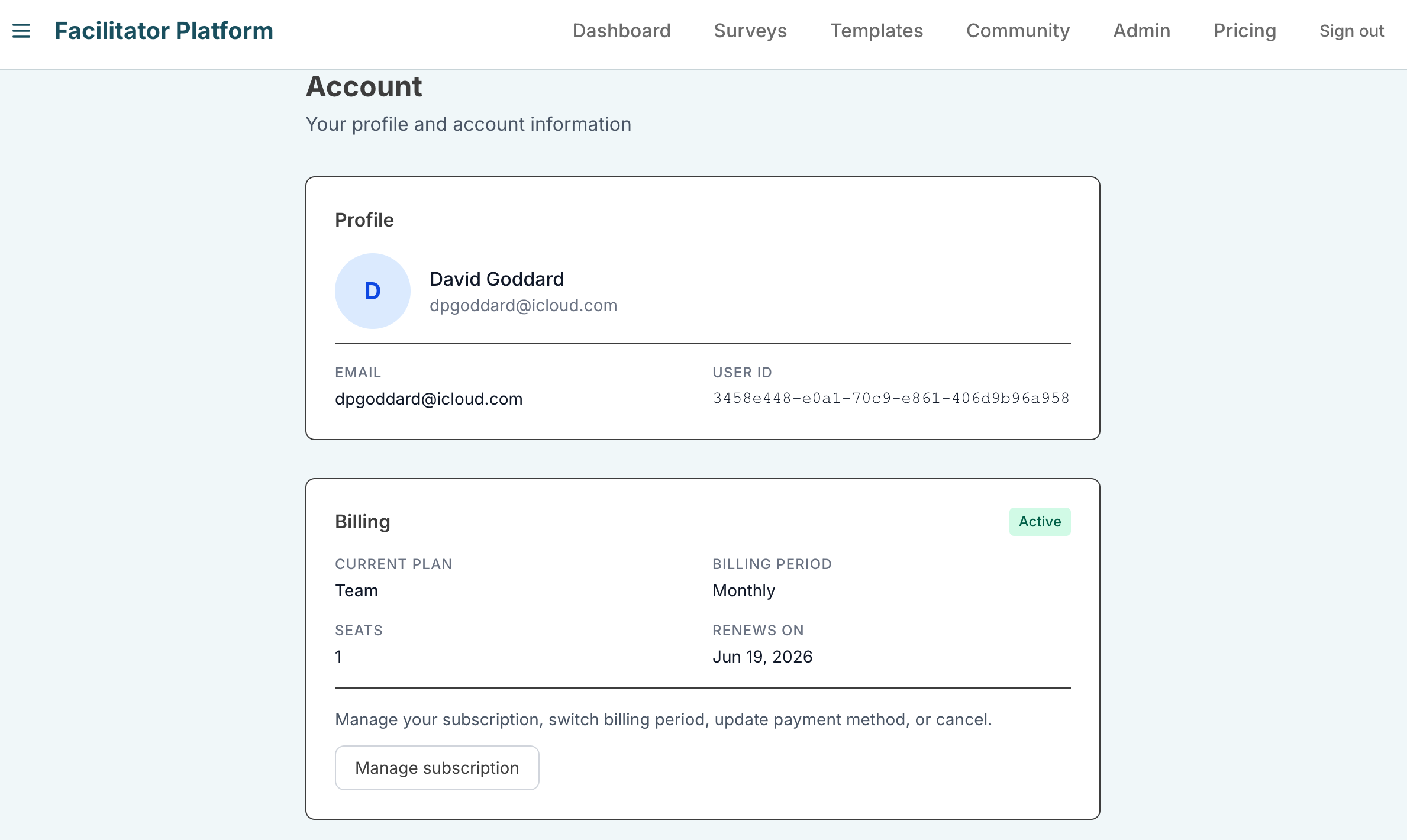
- *Changing your plan, payment method or canceling are all done from Manage subscription. For organization-wide settings such as branding and inviting users, see the next sections.
| Ask the assistant • How do I change my password? • Where do I see my plan and renewal date? • How do I update my payment method or cancel? • What plan am I on? |
|---|