 Facilitator Tools
Uploading captured sections
| TL;DR Use the Upload File block at the bottom of the Designer to attach captured material to the session — give it a title, choose the file and click Upload File. |
|---|
If you captured something during the session — a photo of a whiteboard, a document, an exported image of results — you can attach it to the session record.
Scroll to the Upload File block at the bottom of the Session Designer.
Enter a Title for the item.
Choose the File to upload.
Click Upload File. It is attached to the session.
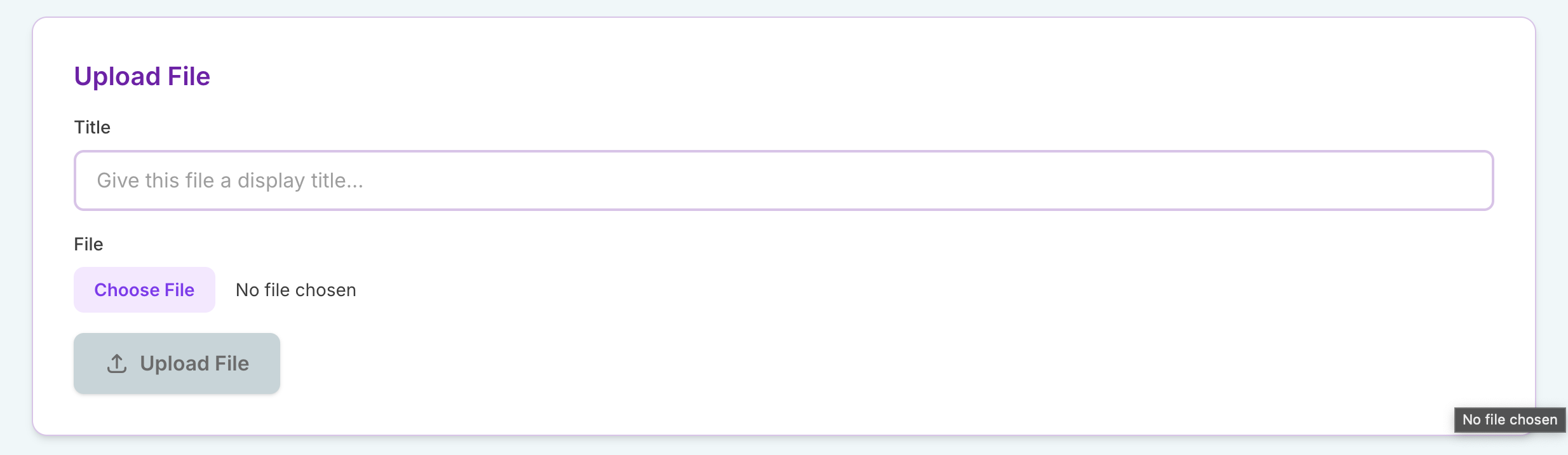
Upload File block showing the Title and File fields
This keeps captured artifacts together with the session’s activities and results, so everything from the workshop lives in one place.
| Ask the assistant • How do I attach a photo or file to my session? • Where do I upload captured material? • Can I keep a whiteboard photo with the session? |
|---|