 Facilitator Tools
Activity types
| TL;DR Add activities in the Designer’s “Add New Section”: pick a Section Type, write the question, optionally add a timer and notes, then Add Question. Ten types are available; only Discussion, Poll and Word Cloud are on the free plan. |
|---|
In the Session Designer, the “Add New Section” panel is where you build activities:
Choose a Section Type from the dropdown.
Type the Question (the prompt participants see).
Optionally turn on Add Timer to give the activity a countdown, and add Notes (optional) for your own facilitation notes.
Click Add Question. The activity is added to the Session Items list below.
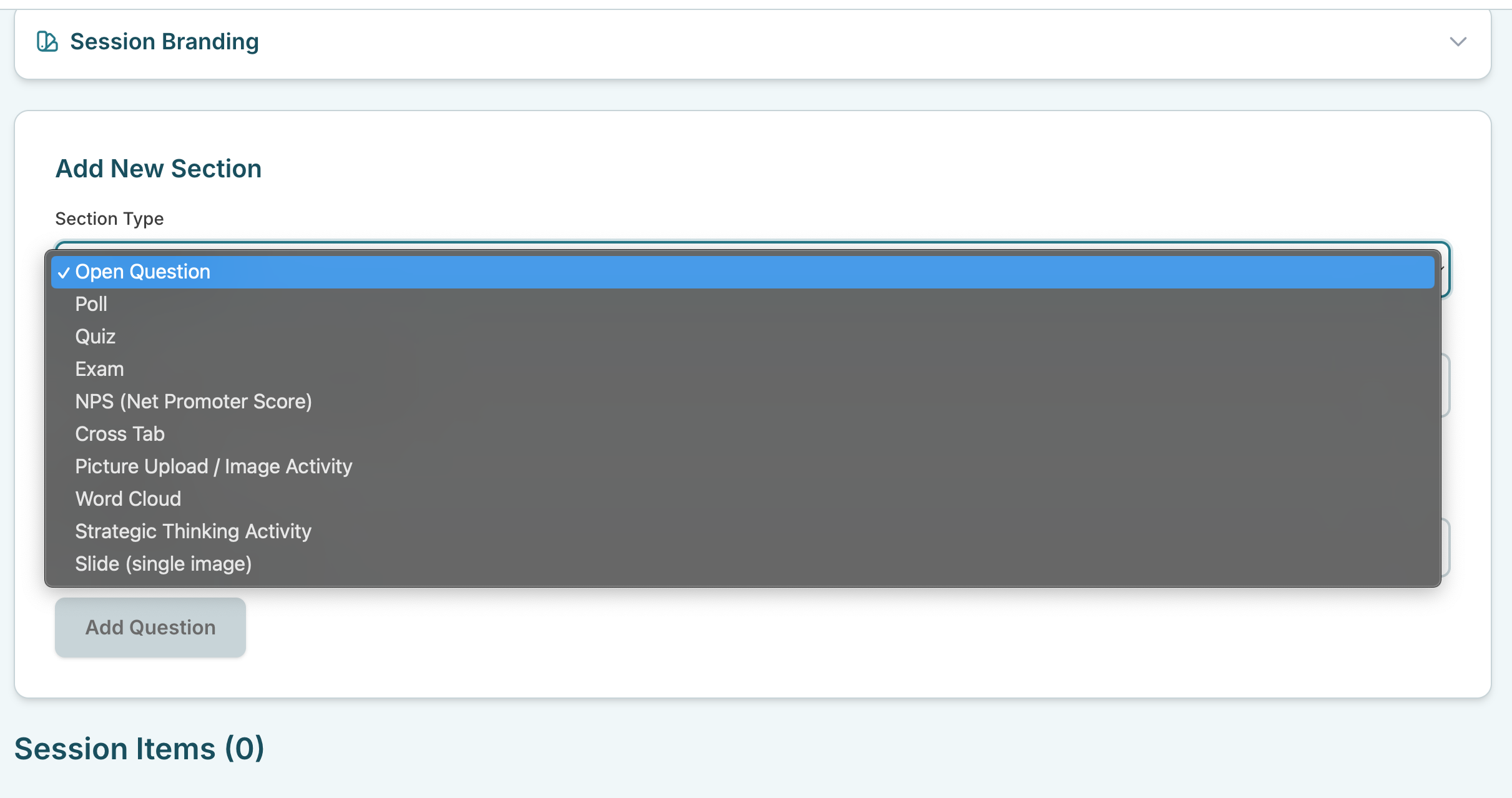
“Add New Section” panel with the Section Type dropdown open