 Facilitator Tools
Organization branding (Settings)
Open  ** menu → Settings** to open Organization Settings.** [Pro+]**
Organization Name — shown to members of your organization; click Save after editing.
Organization Logo — appears on the display page when branding is enabled. Accepted formats: PNG, JPEG or SVG, up to 2 MB. Use Replace Logo / Remove Logo.
Default Palettes — the system color schemes available to every session: Professional, Default, Vibrant, Earth Tones and Pastel.
Custom Palettes — create your own color palettes for the organization with “+ Add Palette”.** [Pro+]**
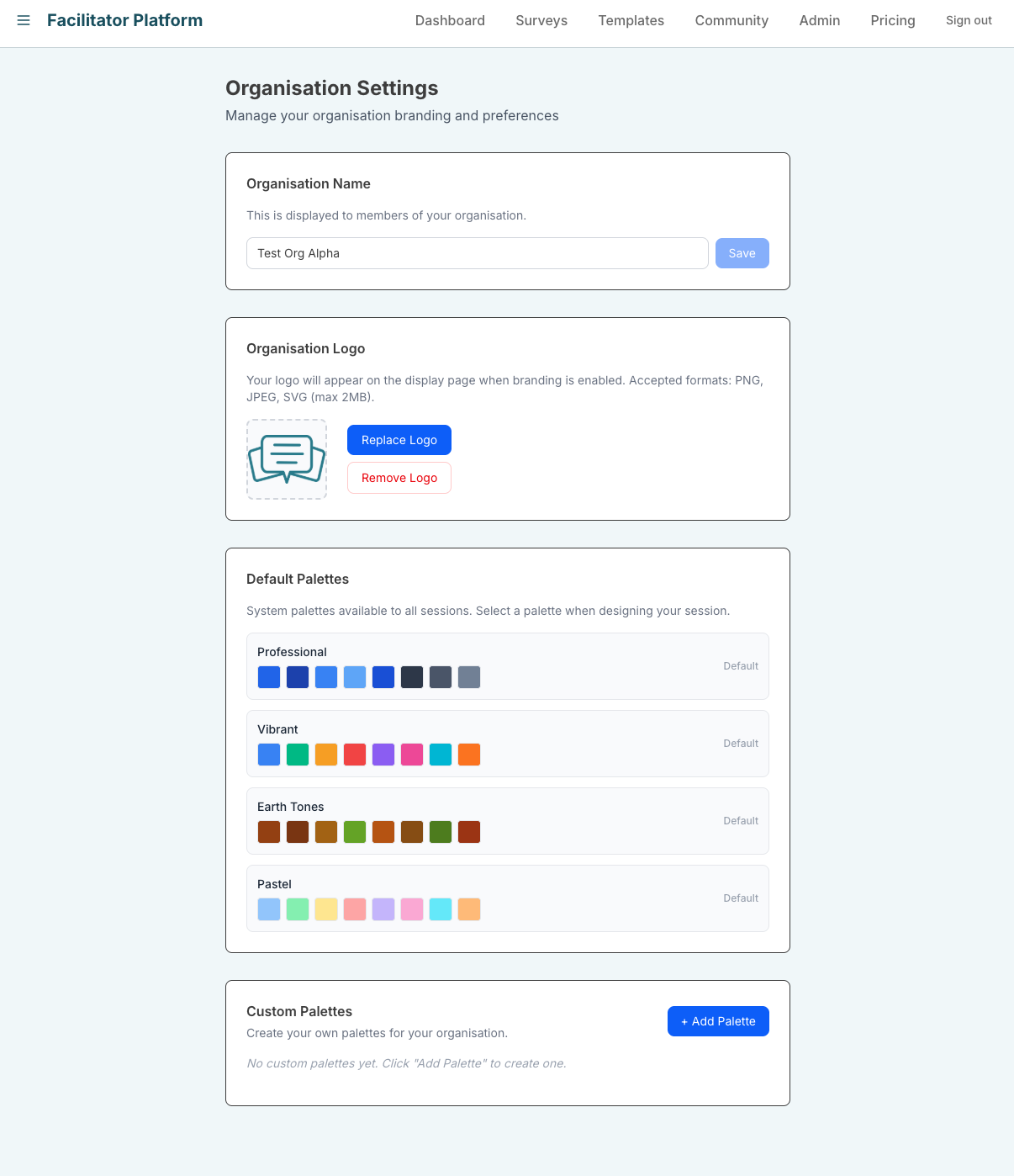
Organization Settings page: name, logo, default palettes and custom palettes